 Jean Cédric NTWARI
The first day went well. We started with a small presentation of our class and other members but what touched me was a testimony of the previous Powercoders student. In my opinion, it boosted our confidence and it was what we need for our first day.
We receive our assignment which contains nine exercises, I passed my afternoon resolving them. First three exercises were online on www.w3schools.com, we were asked to do the test Quiz for Html, CSS and JavaScript.
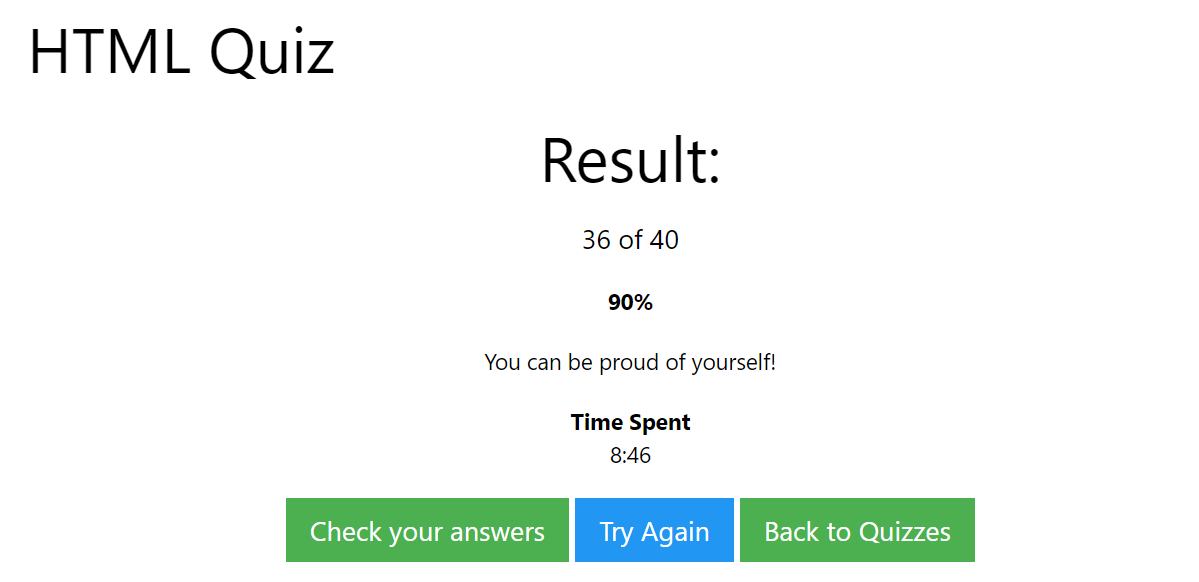
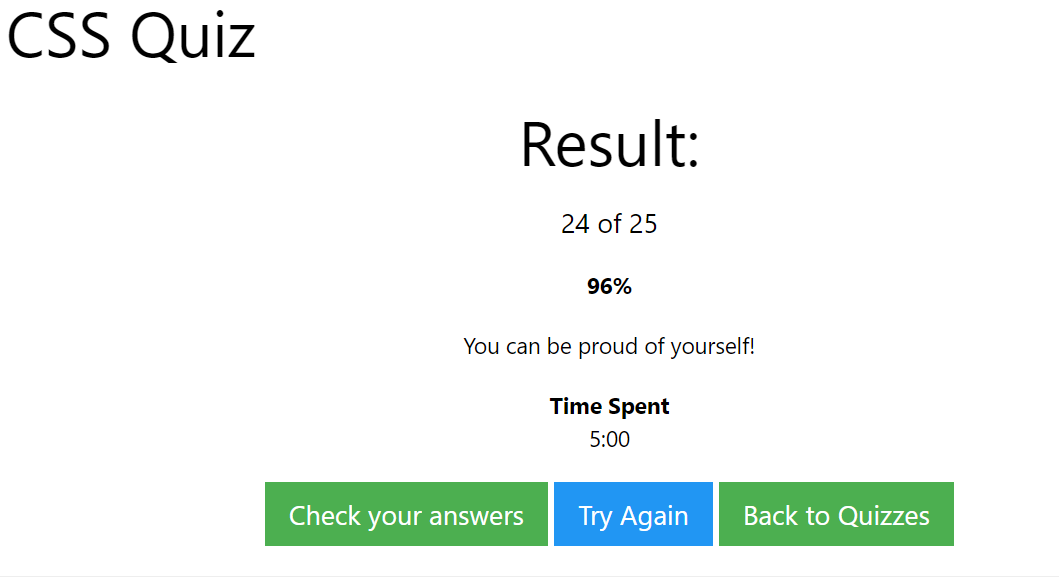
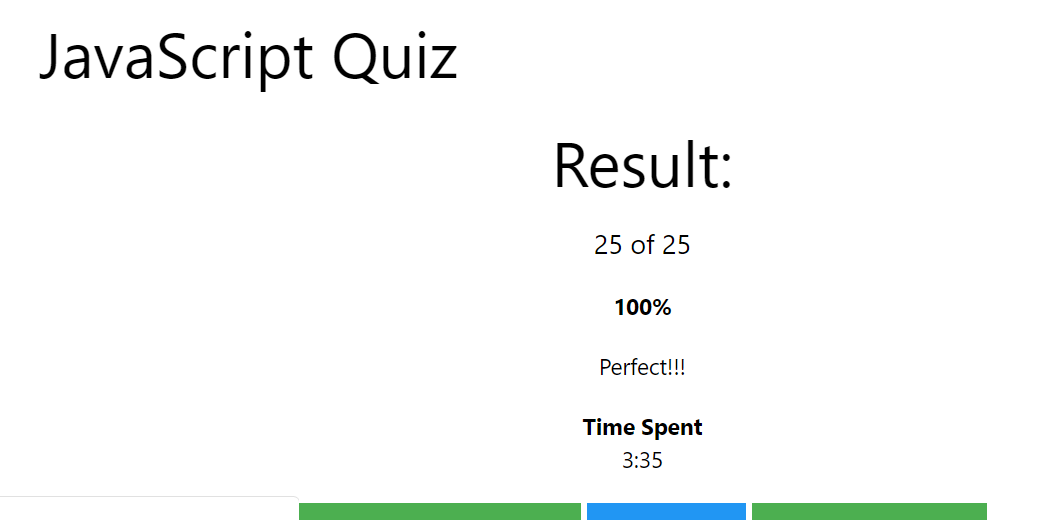
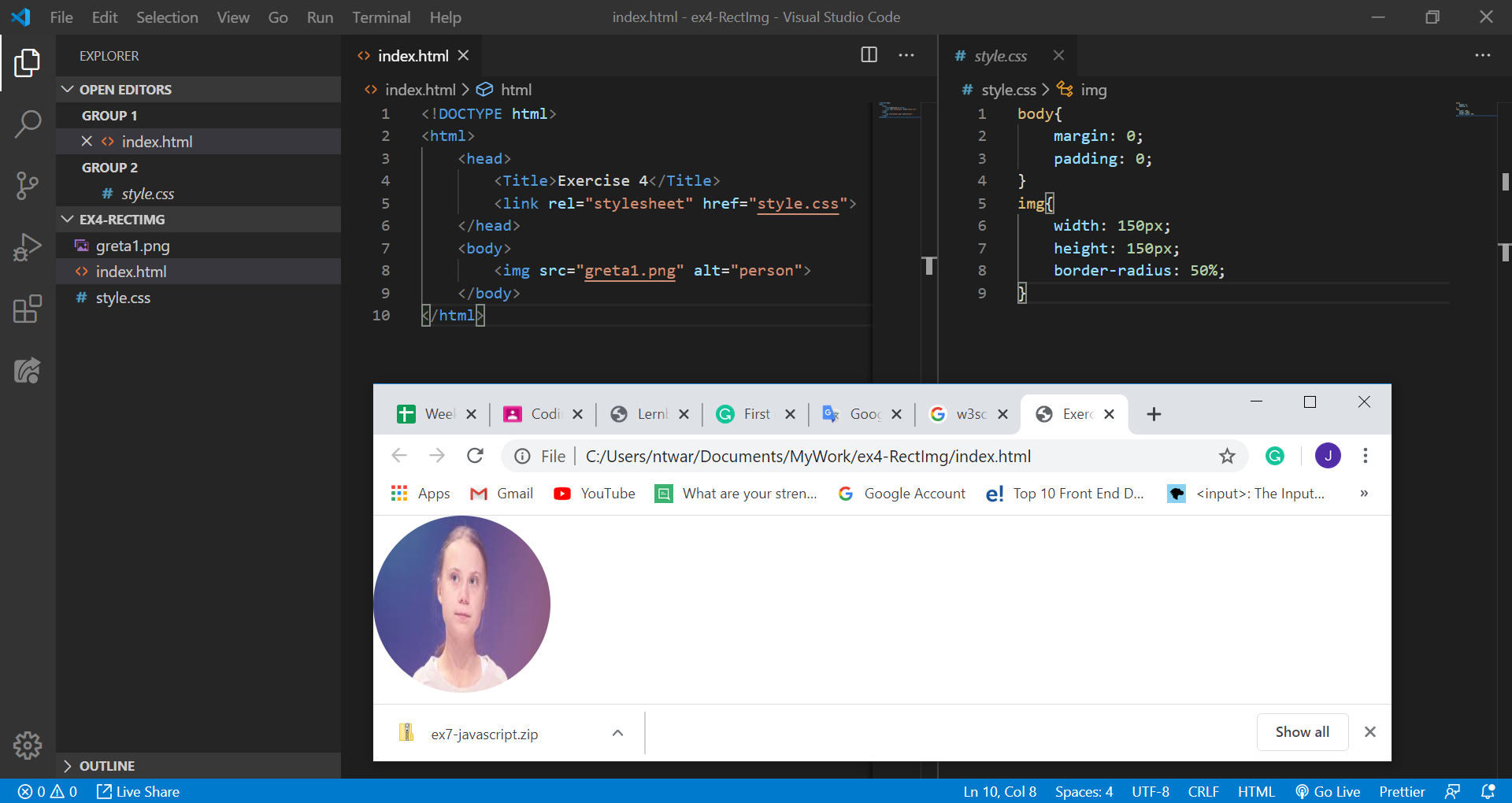
The fourth exercise was to make a simple HTML file with a rectangular image in it. Use a .css file to round the image.
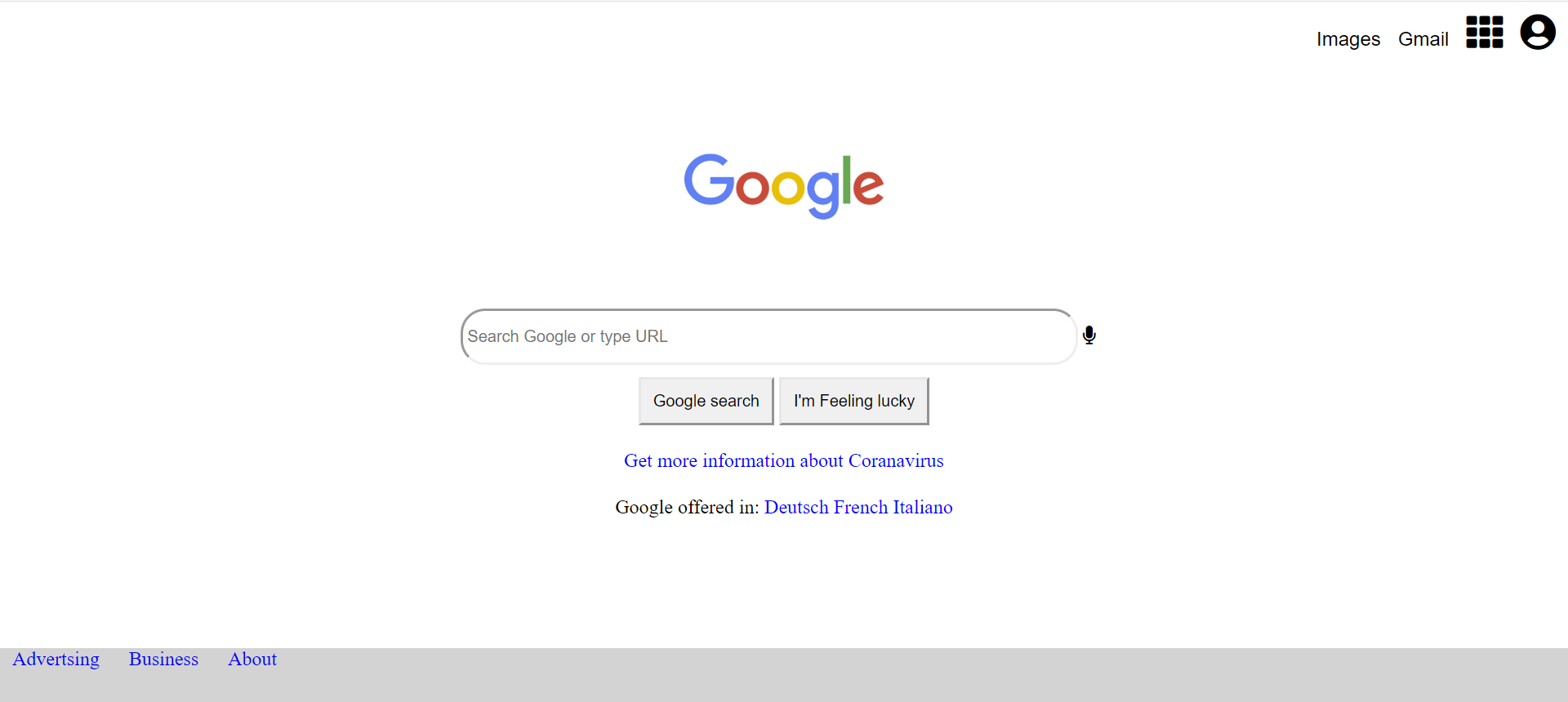
The firth exercise was to replicate the Google page. I had one challenge, as you can see it on the picture below, the microphone icon is supposed to be inside the search bar, that is something I will work on tomorrow. Except that I made also responsive for small screen maximum of 600 pixels.
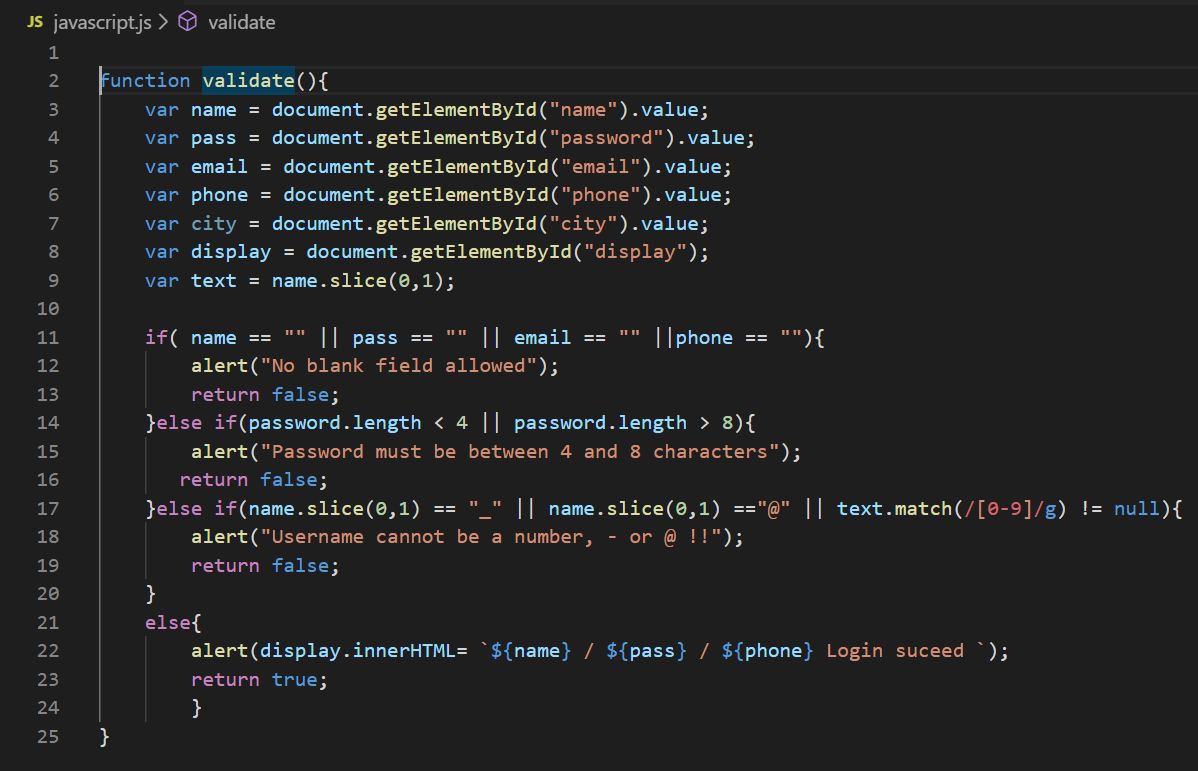
The sixth exercise consisted of creating an HTML file with a form with all the input types that you know. When you submit, it should display all the information that was put in. I just used alert to display. But again this something I will keep working on, I will try to show the user’s information on the same page.
Htm:
<!DOCTYPE html>
<html>
    <head>
        <title>Exercise 6: Form</title>
        <link rel="stylesheet" href="style.css">
    </head>
    <body>
        <form action="index.html">
            <div class="text-input">
                Name:
                 <input type="text" name="name" id="name" placeholder="Name" required>
            </div>

            <div class="text-input">
                Password:
                <input type="password" name="pass" id="password" placeholder="Password" required>
            </div>

            <div class="text-input">
                E-mail:
                <input type="email" name="email" id="email" placeholder="E-mail" required>
            </div>

            <div class="text-input">
                Phone:
                 <input type="tel" name="phone" id="phone" placeholder="Telephone" required>
            </div>

            <div class="text-input">
                <label for="city">Choose a city:</label>
                <select id="city" name="city">
                    <option value="ci">--- city ---</option>
                    <option value="volvo">Zürich</option>
                    <option value="saab">Bern</option>
                    <option value="mercedes">Paris</option>
                  </select>
            </div>

            <div class="text-input">
               <input type="submit"   onclick="validate()">
            </div>
        </form>
        <div id="display">

        </div>
        <script src="javascript.js"></script>
    </body>
</html>
The next one was about to correct some given functions.
/**
 * returns the average of numbers a and b
 */
var average = function (a, b) {
	return (a + b) / 2;
};
------------------------------------------
/**
 * returns the nth fibbonaci number
 * remember, fibbonaci numbers are the sum of the previous
 * 2 numbers, starting with 1 and 1.
 */
var fibbonaci = function (n) {
	var a = 1, b = 0, temp;

  while (n >= 0){
    temp == a;
    a == a + b;
    b == temp;
    n--;
  }
  return b;
};
---------------------------------
/**
 * returns the first person in the list
 */
var getFirstPerson = function () {
  var people = [];
  people.push("John");
  people.push("Bob");
  people.push("Sarah");

  return people[0];

};
------------------------------
/**
 * returns true if the car entered is a Volvo.
 */
var isVolvo = function (car) {
  if (car === "Volvo")
  {
    return true;
  }
  else
  {
    return false;
  }
};
------------------------------------
/**
 * converts temperatures from Fahrenheit to Celsius
 */
var toCelsius = function (f) {
  return (5/9) * (f-32);
};
Next exercise: Write a program that can detect Palindromes. A palindrome is a word, number or phrase which reads the same backward or forward. I found a way to solve it by using several methods. Here is a link for more information.
The toLowerCase() : First lowercase the string and use the regular expression in order to remove unwanted characters from it.
Then the replace() method: to return a new string with some or all matches of a pattern replaced by a replacement. We can use one of the RegExp (regular expression) we just created earlier.
Then comes, the split() method: to split a String object into an array of strings by separating the string into sub-strings.
After that, the reverse() method: to reverse an array in place. The first array element becomes the last and the last becomes the first.
And at the end, the join() method: to join all elements of an array into a string the same backward as forward.
I have not yet written the code, tomorrow I plan to do so.
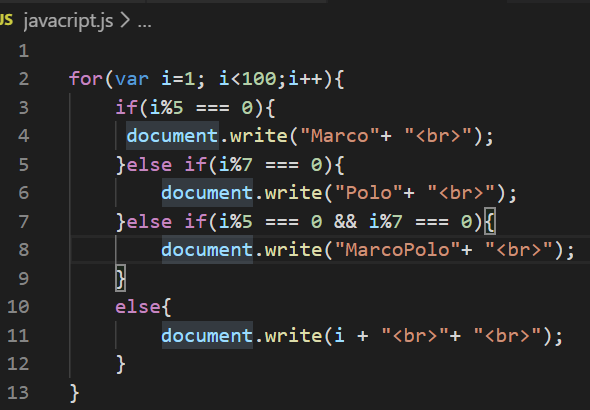
The last was to write a program, MarcoPolo, which does the following: prints the numbers from 1-100 except: for multiples of five, print “Marco”; for multiples of seven, print “Polo”; and multiples of five and seven, print “MarcoPolo”.
First, to print one to hundred, I need a for loop. And to get a multiple of any number, I need to check if the remain equal to zero.
I learned a lot from this assignment, it helped me to practise more Html, CSS and JavaScript and same time learn some new tricks.