 Jean Cédric NTWARI
Today’s program was quite exciting, we went through the introduction of internet, Command line history, why we use Command-Line? Working with folder directories, files, commands and troubleshooting.
The command line is a very fascinating subject. In the beginning, it looks challenging but with practice, it gets better. To use the Command Line I installed Git which for windows users provides a BASH for emulation to run it and I use the terminal in my Visual Studio Code. As shown bellowed:

Morning, I went through the slides as part of the assignment and in the afternoon I did some exercises.
Here are some illustrations:
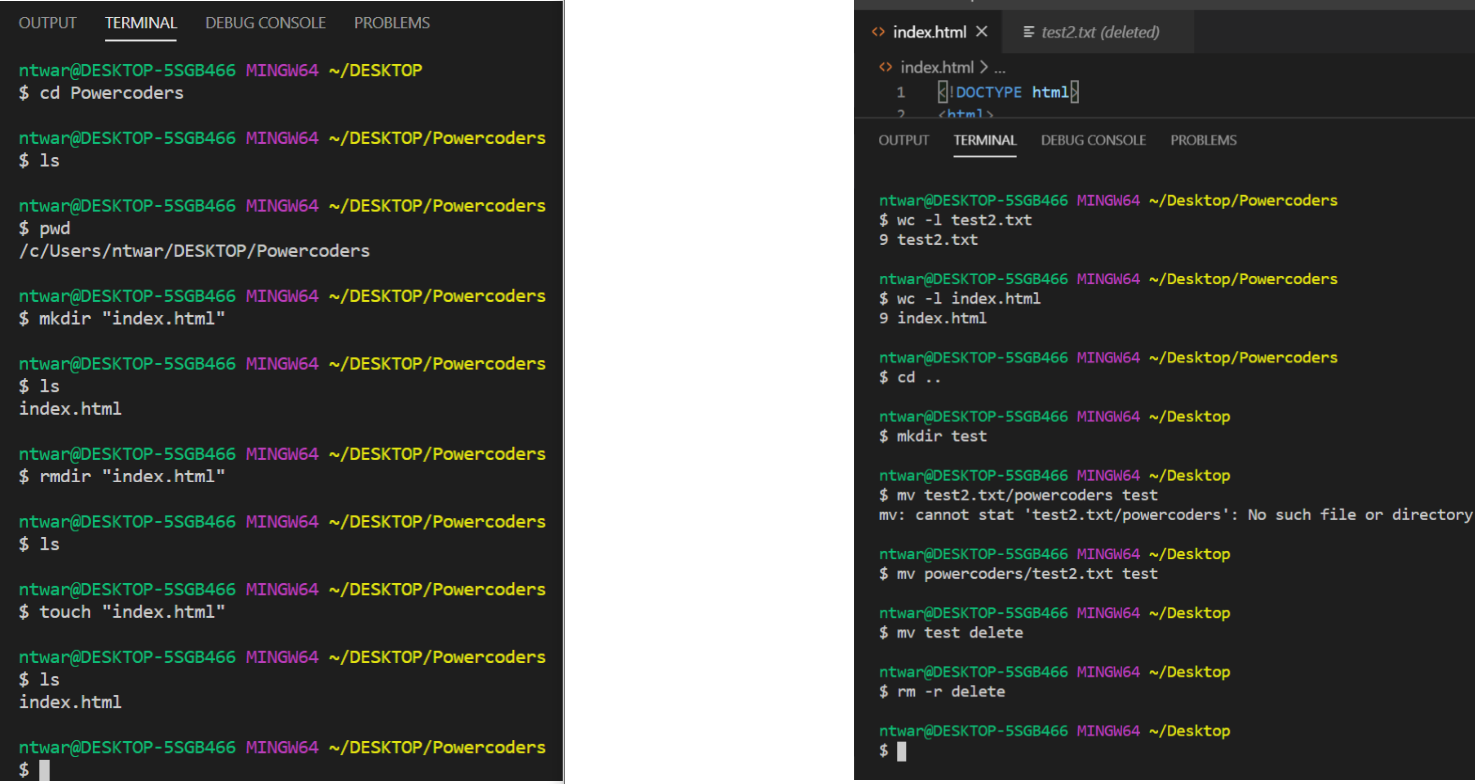
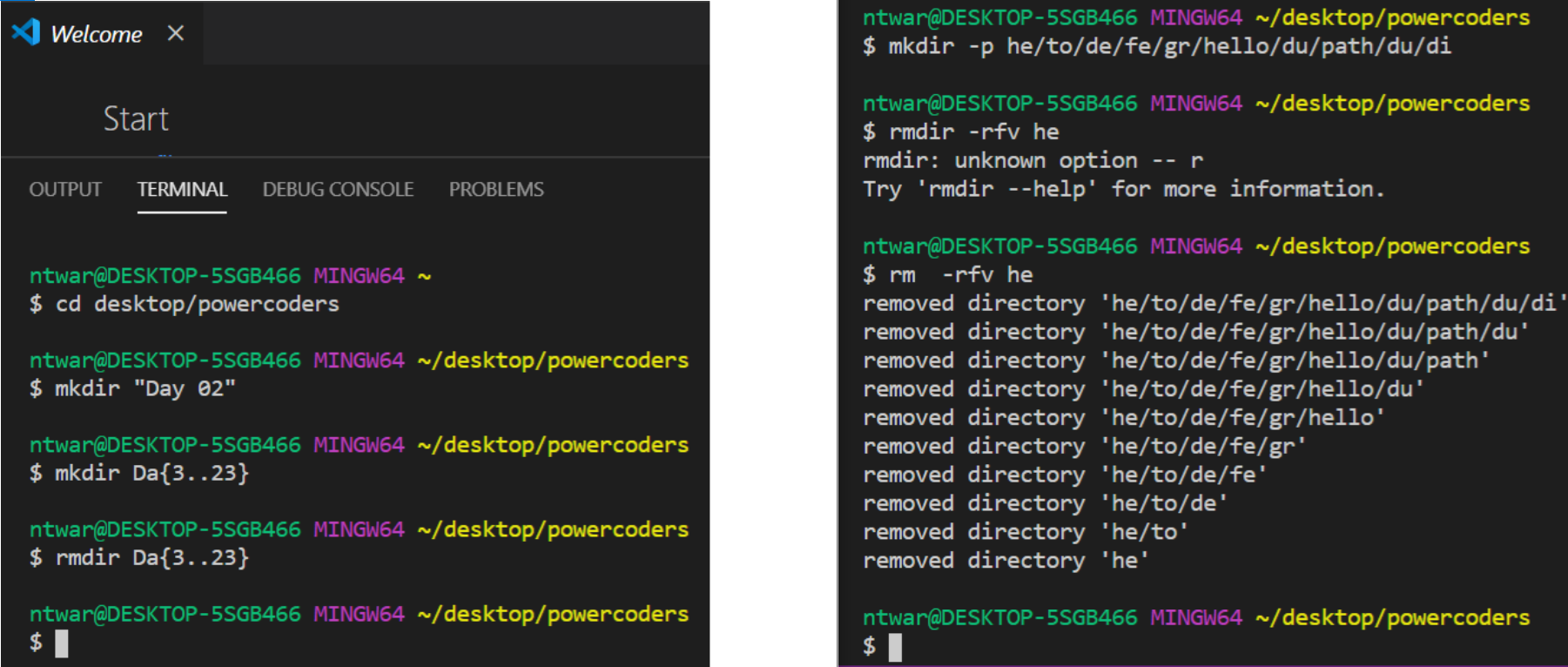
Additional exercises:
- add a new directory into our powercoders directory called “Day 02”
- make 20 more directories and remove them all
- make a single path of directories that is 10 deep and remove them one at a time
Look up following commands and find out what these do:
- find out what “pushd” and “popd”
The"pushd” command saves the current working directory in memory so it can be returned to at any time.
The “popd” command returns to the path at the top of the directory stack, it manipulates the directories on stack.
-win: forfiles, runas, attrib, icacls
attrib changes file attributes like ‘hidden’, ‘system’.
icacls changes file permissions.
runas allows you to launch one process using another account’s username and password, without having to logoff and logon.
forfiles is used to select and execute a command on a file or set of files.
I had time to play a interesting Game to practice more Command Line
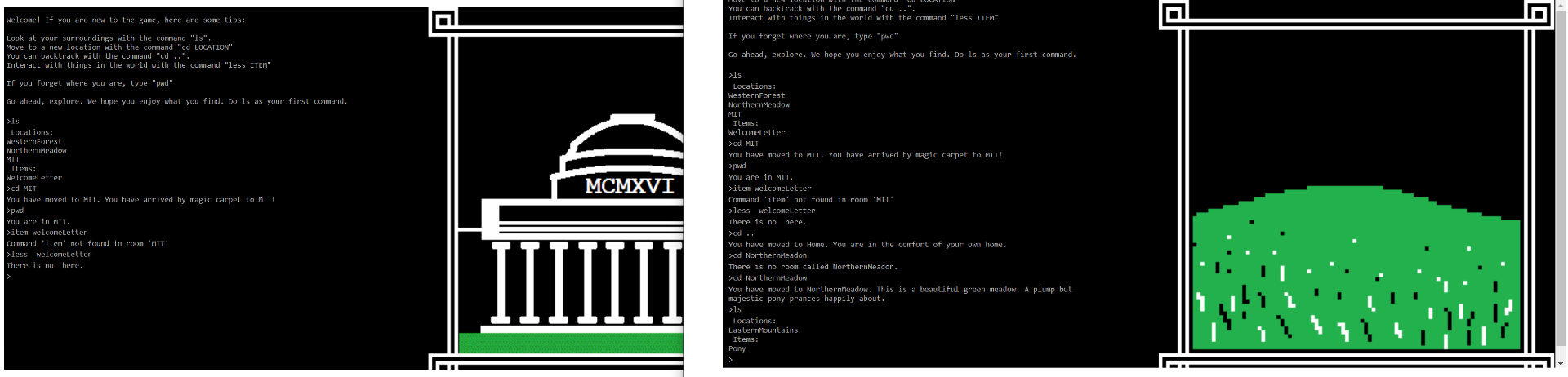
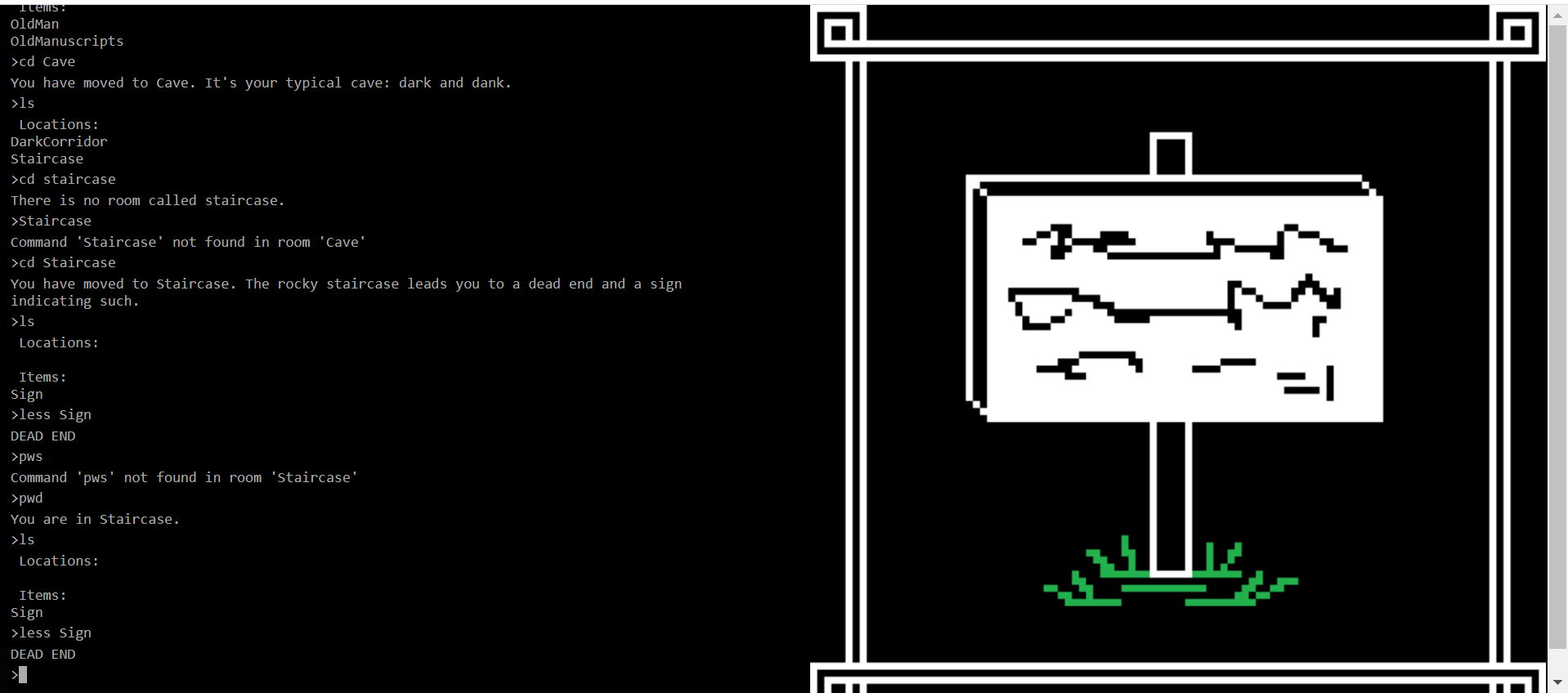
It was amazing playing a game and same time learning and practice.