 Jean Cédric NTWARI
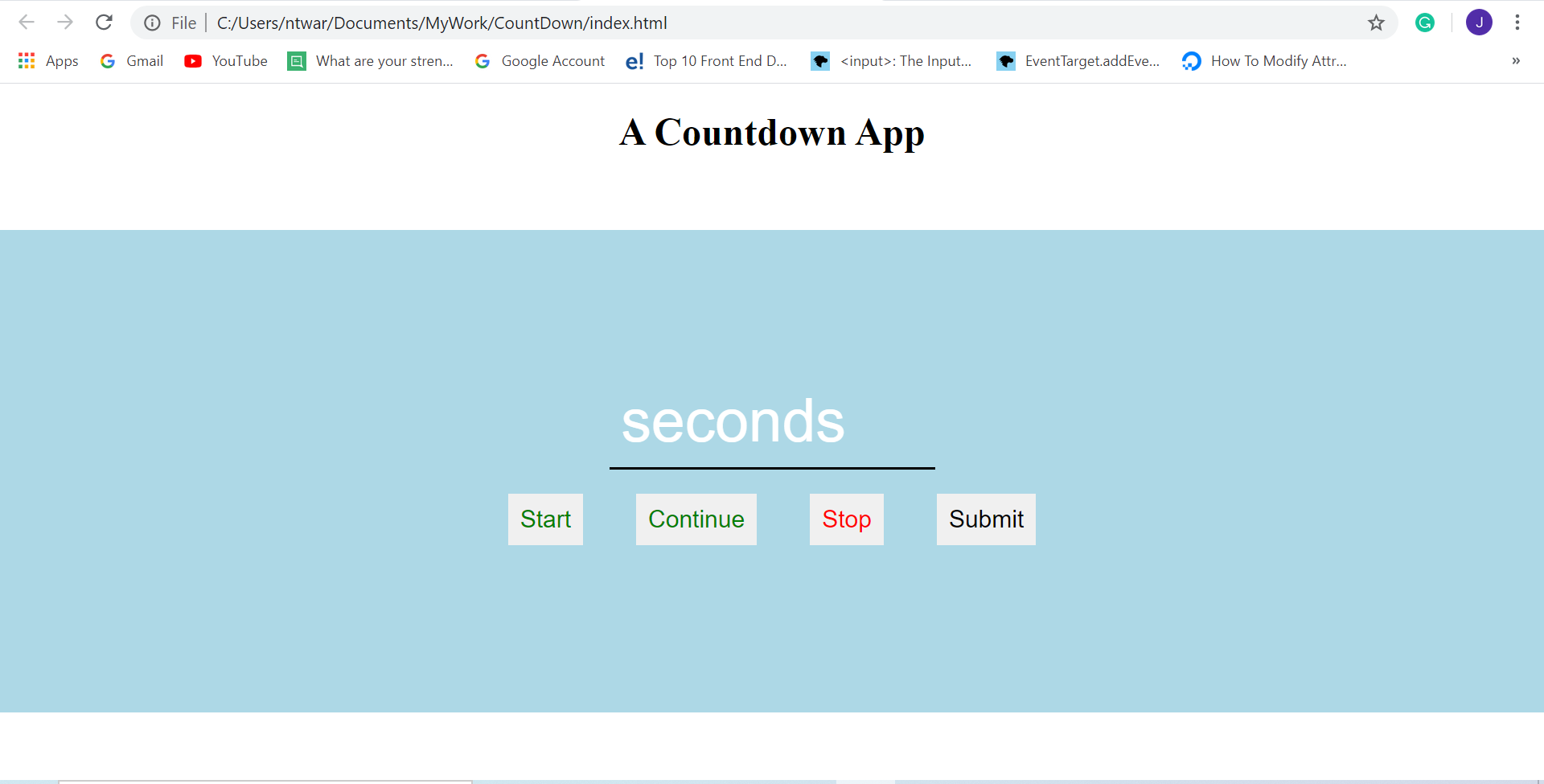
I started the Pre-course project, which requires to build an application where the user can interact with it. So I decide to work on the Countdown application where a user can type down a number, the number changes to seconds or minutes and a clock will be displayed. If the user presses the button start the countdown will start. Anytime the user can stop or continue the clock.
So today, I begin by designing the clock and the page as you can see below.
Html:

Css:
body{
    margin: 0;
    padding: 0;
}
header{
    width: 100%;
    height: 100px;
    background-color: white;
    text-align: center;
}
.counter{
    font-size: 50px;
    color: white;
}
.content{
    width: 100%;
    height: 400px;
    background-color: lightblue;
    display: flex;
    justify-content: center;
    align-items: center;
    flex-direction: column;

}
#seconds{
   width: 250px;
   font-size: 50px;
   outline: none;
   border: none;
   background: none;
   border-bottom: 2px solid black;
   padding: 10px;
   color: white;
}
#seconds::placeholder{
    color: white;
}
button{
   cursor: pointer;
   font-size: 20px;
   margin: 20px;
   padding: 10px;
   border: none;
}
button:hover{
    background-color: lightblue;
}
button:active{
    background-color:  #33bbff;
}
#start{
    color: green;
}
#stop{
    color: red;
}
#continue{
    color: green;
}
#start, #stop, #continue{
    display: none;
}
I think the challenging part will be tomorrow once I start with JavaScript, where the buttons and the countdown have to work properly. I will see how it goes.
I keep practicing my advanced typing lessons. Same as English.